
To print coloring pages at home, choose the paper for the supplies your child will use, print in black and white at standard quality with "fit to page" or "actual size" set correctly, and let the ink dry for a few minutes before anyone colors. Everyday 20 lb copy paper is fine for crayons and colored pencils. Markers need heavier paper, around 24 to 32 lb, or a scrap sheet underneath. Paint needs cardstock or mixed-media paper, and only if your printer can feed it.
That covers most families. The rest of this guide explains each choice in plain words: what the numbers on a paper box mean, which settings keep the lines crisp without wasting ink, what to do when a page is made for A4 and your printer uses US Letter (or the other way round), and how to stop a favorite picture from bleeding onto the table.
Affiliate disclosure. Some links below go to Amazon, and Meowelo may earn a commission if you buy through them, at no extra cost to you. As an Amazon Associate I earn from qualifying purchases. Amazon does not sponsor or endorse Meowelo. We list supplies that suit these books, and say what each one is not good for too. Full disclosure.
Step 1: Choose the paper for the supplies
Paper boxes describe thickness by weight. In the United States it's usually given in pounds (lb); almost everywhere else, and on most boxes as well, in grams per square meter (gsm). The higher the number, the thicker and sturdier the sheet.
| Paper | Weight | Best for | Watch out for |
|---|---|---|---|
| Everyday copy paper | 20 lb · about 75 gsm | Crayons, colored pencils, practice pages, lots of copies | Markers show through; tears if colored very hard |
| Premium multipurpose | 24 lb · about 90 gsm | Everyday coloring with a mix of supplies | Heavy marker work can still show through |
| Heavy printer paper | 28–32 lb · about 105–120 gsm | Markers, keepsake pages, pictures for framing or gifts | Costs more; overkill for practice |
| Cardstock | 65 lb cover and up · about 175 gsm and up | Cards, bookmarks, light watercolor, pages that get handled a lot | Check your printer's maximum paper weight first |
A simple habit that works: keep a big box of everyday paper for practice and a smaller ream of heavier paper for "special" pages and anything that will be colored with markers. Children quickly learn which pile to ask for.
Step 2: The printer settings that matter
You don't need to understand every option in the print dialog. Four settings make the difference:
- Color: black and white (or grayscale). Coloring pages are black line art, so there's no reason to use color ink. Some printers still blend in a little color ink for their grayscale black; a "black ink only" option, where it exists, saves the most.
- Quality: standard. "Draft" or "economy" modes save ink by printing lighter, which can make thin lines look gray or broken. Standard quality gives solid black lines; "best" is rarely needed for line art.
- Paper type: what's actually in the tray. Tell the printer if you've loaded heavier paper or cardstock (often called "matte", "thick" or "cardstock"). It adjusts how much ink it lays down and how it feeds the sheet.
- One-sided printing. Double-sided printing is great for story pages and guides, but never for coloring pages that will meet markers: the ink comes through and spoils the picture on the back.
Step 3: Get the size right (A4 or US Letter)
Most of the world prints on A4 paper (210 × 297 mm). The United States and Canada mostly use US Letter (8.5 × 11 in, about 216 × 279 mm). Letter is a little wider and A4 is a little taller, so a page made for one can lose its edges on the other.
- If there's a version for your paper size, choose that one. It will fit without any scaling.
- If not, choose "fit to page" (some printers call it "shrink to fit" or "scale to fit"). The picture shrinks slightly so nothing is cut off.
- "Actual size" (100%) is right only when the file and the paper match. Use it for anything that has to be an exact size, like a bookmark or a card that folds.
- Borderless printing is for photos. Leave it off for coloring pages: it can enlarge the image and crop the outline.
Step 4: Stop markers bleeding through
Markers are the supply most likely to ruin a print. Washable markers carry a lot of water-based ink, and thin paper soaks it up and passes it on to whatever's underneath. A few habits fix most of it:
- Use heavier paper (24 lb and up) for any page planned for markers.
- Slide a scrap sheet or a placemat underneath, so any bleed lands there rather than on the table or the next page in a pile.
- Let inkjet prints dry for a few minutes. Fresh inkjet lines can smudge when a wet marker or brush goes over them. Laser-printed lines are dry the moment they leave the printer.
- Color large areas lightly and build up color rather than going back and forth in one spot, which soaks and can tear the paper.
Our guide to washable markers for kids covers which tips and inks are gentlest on thin paper.
Which printer suits a family that prints a lot?
Any home printer can print coloring pages. What changes is the running cost. Cartridge inkjets are cheap to buy but expensive per page, which is why many families ration their printing. Ink-tank printers cost more up front but are refilled from bottles, so printing another copy of a favorite page costs very little. If your family prints most weeks, an ink-tank model usually pays for itself; if you print a few pages a month, the printer you already have is fine.
These are the printing picks from our Creative Supplies shelves, with an honest note on who each one suits:
Paper and printers for printing coloring pages at home
| Pick | Best for | Good to know | Buy |
|---|---|---|---|
 Everyday upgrade for mixed suppliesHammermill Premium Multipurpose Paper, 24 lb, Letter
|
Heavier than standard 20 lb paper | A large box to store | $56.90 on Amazon.com Price as of DetailsProduct prices and availability are accurate as of the date/time indicated and are subject to change. Any price and availability information displayed on Amazon.com at the time of purchase will apply to the purchase of this product. |
|
For markers and keepsake pagesHP Premium32 Printer Paper, 32 lb, Letter
|
Noticeably sturdier pages | Costs more than everyday paper | $22.99 on Amazon.com Price as of DetailsProduct prices and availability are accurate as of the date/time indicated and are subject to change. Any price and availability information displayed on Amazon.com at the time of purchase will apply to the purchase of this product. |
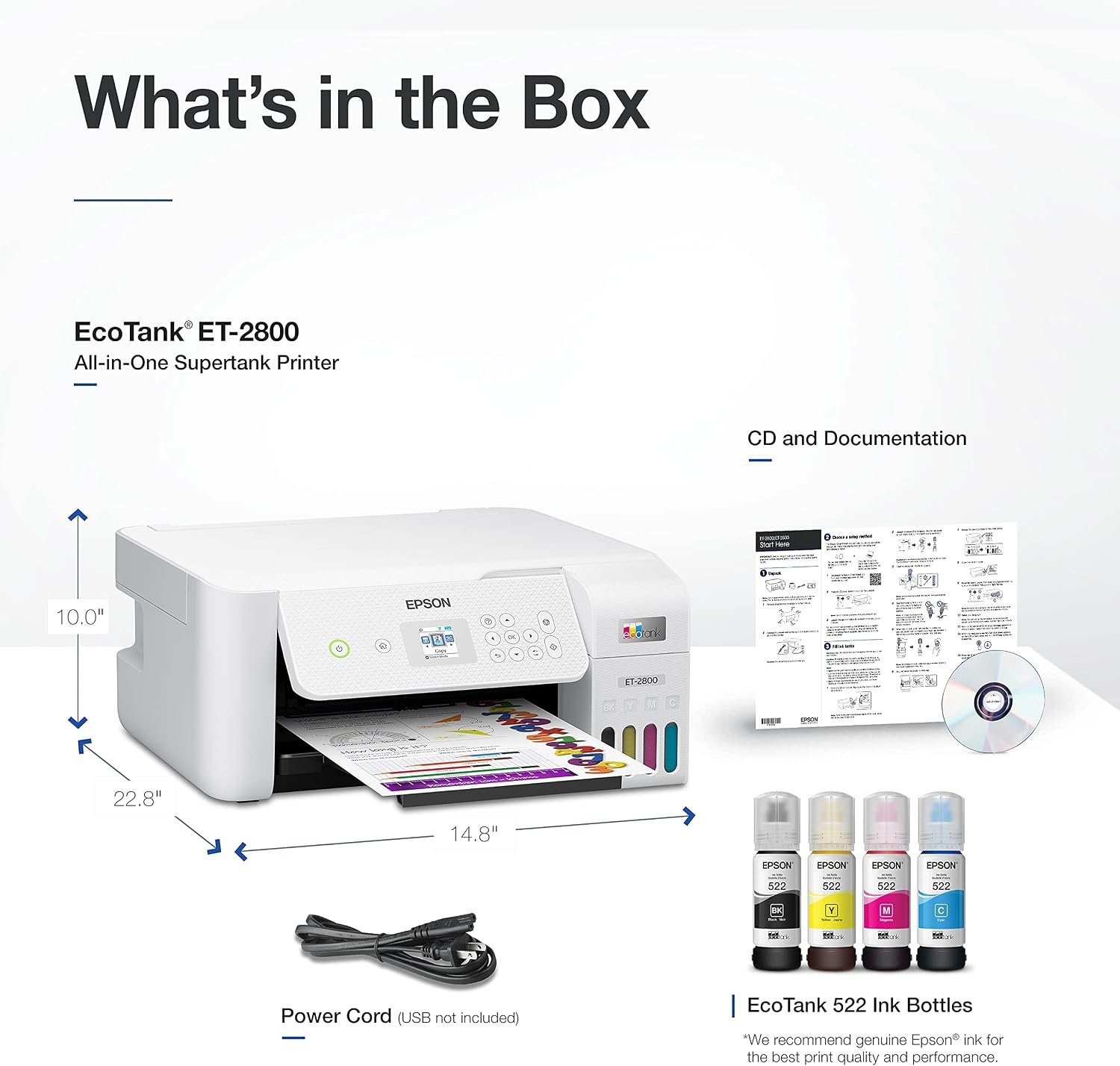 Ink-tank printer for frequent printingEpson EcoTank ET-2800 Wireless All-in-One Printer
|
Low cost per page once set up | Costs more up front than cartridge printers | $189.99 on Amazon.comSave 21% Price as of DetailsProduct prices and availability are accurate as of the date/time indicated and are subject to change. Any price and availability information displayed on Amazon.com at the time of purchase will apply to the purchase of this product. |
 Ink-tank alternativeCanon PIXMA G3270 MegaTank Wireless All-in-One Printer
|
Low running cost for frequent printing | Higher price up front | $245.00 on Amazon.com Price as of DetailsProduct prices and availability are accurate as of the date/time indicated and are subject to change. Any price and availability information displayed on Amazon.com at the time of purchase will apply to the purchase of this product. |
Amazon shows the current price and delivery. Tap any name for our full write-up, including what it’s not good for.
Printing for different supplies, at a glance
Not sure which supplies to use in the first place? Our comparison of crayons, colored pencils and markers covers what each one is best at.
| Supply | Paper | Setting tip |
|---|---|---|
| Crayons | 20 lb is fine | Standard quality; heavier paper only if your child presses very hard |
| Colored pencils | 20–24 lb; smooth paper shows layers best | Standard quality for crisp lines to color up to |
| Washable markers | 24–32 lb, scrap sheet underneath | Let inkjet prints dry before coloring |
| Watercolor or paint sticks | Cardstock or mixed-media paper | Set the paper type to thick or cardstock; check the printer's limit |
| Cards, bookmarks, tags | Cardstock | Actual size (100%) so folds and cut lines match |
After printing: keep pages flat and ready
A printed page that's crumpled at the bottom of a bag is much less inviting. Keep a few pages ready in a folder or tray by the coloring spot, store paper flat and dry (damp paper curls and jams), and print a new page when the last one is finished rather than a whole pack at once. If a picture turns out to be a favorite, you can always print it again.
When a finished page is worth keeping, our guide to keeping, displaying and protecting kids' artwork picks up from there.
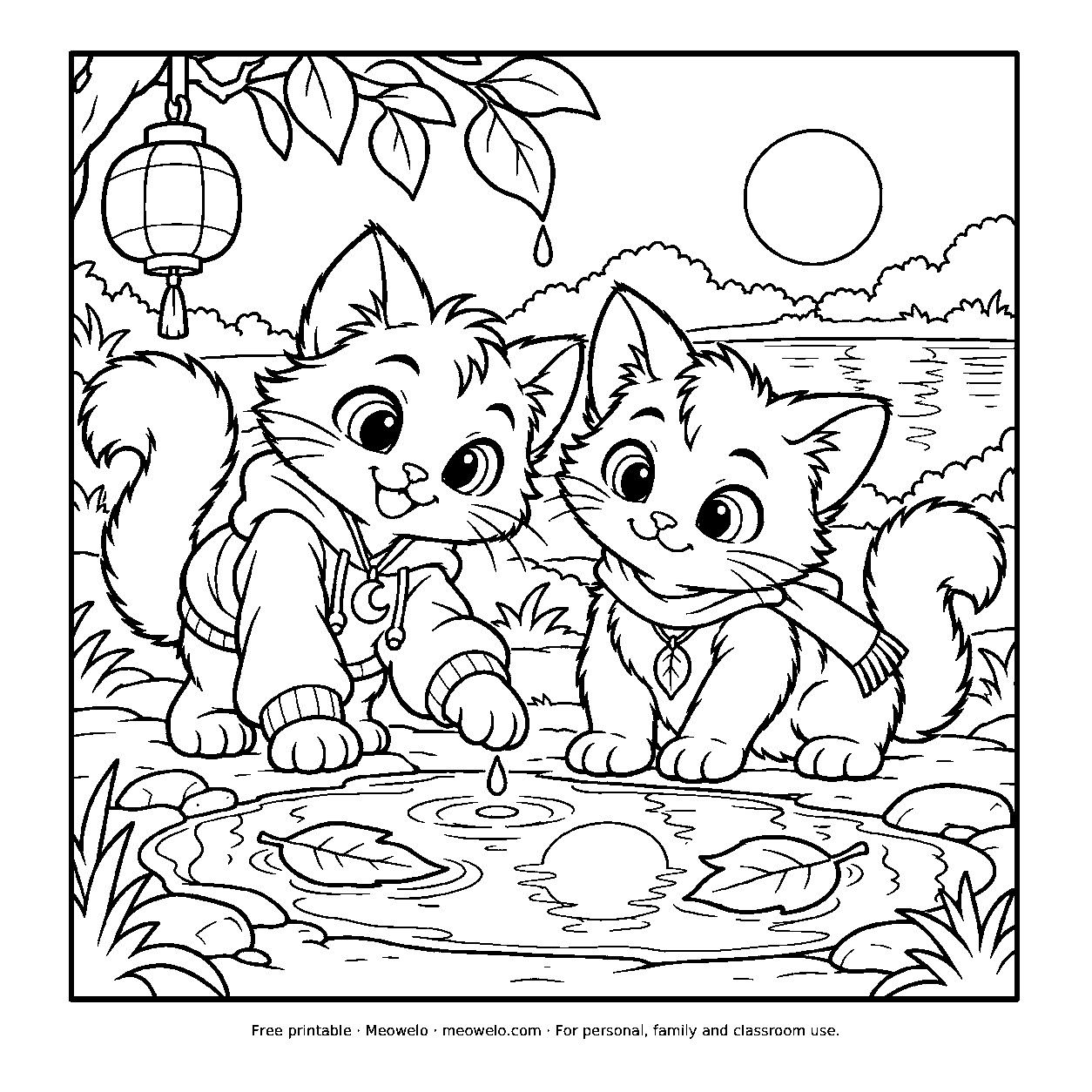
Lunai and the Quiet Moon
Lunai and Myro find a second moon in a puddle beside the lantern path.
Print it freeQuestions parents ask
What is the best paper for printing coloring pages?
Can you print coloring pages on cardstock?
Why do my printed coloring pages have faint gray lines?
How do I stop markers bleeding through printer paper?
Should I print coloring pages in color or black and white?
How do I print an A4 coloring page on US Letter paper?
Is an inkjet or laser printer better for coloring pages?
The short checklist
Right paper for the supplies, black and white at standard quality, the right size or "fit to page", one side only, a few minutes to dry. Get those five right and almost every coloring page prints clean, crisp and ready for whatever colors your child chooses.



Conversation
Join the conversation
Tips, questions and stories from other grown-ups. A person reads every comment before it goes live.
No comments yet. What has worked at your house? Your story might be exactly what another parent needs tonight.