
If your family prints coloring pages every week, an ink-tank printer usually costs the least over time: it costs more to buy, but it's refilled from bottles that print far more pages than a cartridge. If you print only now and then, a cartridge printer (or the one you already have) is fine. And because coloring pages are black line art, a black-only laser printer is a smart third option: low cost per page, prints that never smudge, and toner that doesn't dry out between uses.
Below: how each type works, what really drives the cost, how to compare printers honestly, and a simple way to choose by how much you print.
Affiliate disclosure. Some links below go to Amazon, and Meowelo may earn a commission if you buy through them, at no extra cost to you. As an Amazon Associate I earn from qualifying purchases. Amazon does not sponsor or endorse Meowelo. We list supplies that suit these books, and say what each one is not good for too. Full disclosure.
The three kinds of home printer
| Cartridge inkjet | Ink-tank inkjet | Black-only laser | |
|---|---|---|---|
| Price to buy | Lowest | Higher | Middle |
| Cost per page | Highest | Low | Low (black only) |
| Color printing | Yes | Yes | No |
| Coloring pages | Good | Good | Very good: crisp, dry instantly |
| If unused for weeks | Ink can dry in the nozzles | Ink can dry in the nozzles | Toner doesn't dry out |
| Under wet markers or paint | Fresh prints can smudge | Fresh prints can smudge | Doesn't smudge |
| Best for | Occasional printing | Frequent printing, including color | Lots of black-and-white pages |
Why cartridges cost more to run
Cartridge printers are often sold cheaply because the maker earns on the ink. Each cartridge holds a small amount and prints a limited number of pages before it needs replacing, so families who print a lot end up rationing pages, or buying cartridges every few weeks.
Ink-tank printers (sold under names like EcoTank, MegaTank and Smart Tank) turn that around. You pay more for the printer, then refill large built-in tanks from bottles. A set of bottles prints many times more pages than a cartridge, so the cost of one more copy of a favorite coloring page becomes very small.
The black-only laser: an underrated choice
Coloring pages, worksheets, story pages and guides are all black on white. A black-only (monochrome) laser printer prints them crisply and quickly, its toner lasts a long time, and it doesn't dry out if nobody prints for a month. Laser prints are also dry the moment they leave the printer, so wet markers and watercolors don't smudge the lines.
The trade-off: no color at all, and many home lasers can't feed very thick cardstock. If you sometimes print photos or colored-example pages, an ink-tank inkjet does both.
Keeping an inkjet healthy
- Print something every week or two. Even one page keeps the ink moving through the print head.
- Turn it off with its own power button, not at the wall, so it can cap the print head.
- Run the cleaning cycle only when needed (faint or missing lines). Each cleaning uses some ink.
- Use the maker's ink for an ink-tank printer; the bottles are shaped for its tanks, which avoids spills.
Which to choose, by how much you print
| Your family prints… | A good choice |
|---|---|
| A few pages a month | The printer you have, or a basic cartridge printer |
| Every week, some in color | An ink-tank inkjet |
| Every week, almost all black and white | A black-only laser |
| Lots, plus photos and cards on cardstock | An ink-tank inkjet that accepts thicker paper (check its maximum paper weight) |
Ink subscription plans from printer makers can also work for occasional printers, but read how they count pages and what happens to unused pages before signing up.
The ink-tank picks on our shelves
These are the two ink-tank printers on our Creative Supplies shelves, with an honest note on who each suits. Choose between them on price and the brand you already trust.
Ink-tank printers for families who print often
| Pick | Best for | Good to know | Buy |
|---|---|---|---|
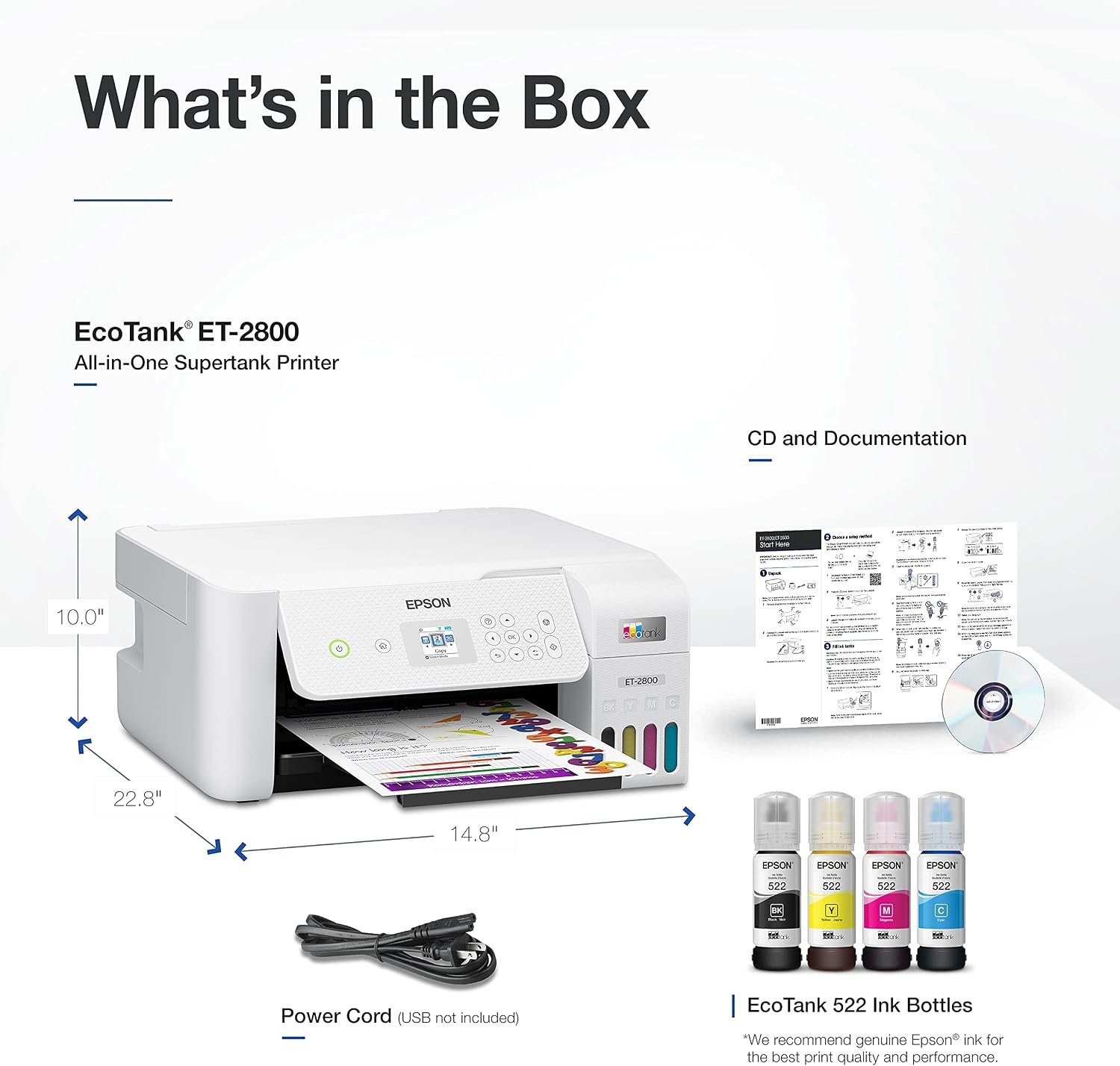 Ink-tank pickEpson EcoTank ET-2800 Wireless All-in-One Printer
|
Low cost per page once set up | Costs more up front than cartridge printers | $189.99 on Amazon.comSave 21% Price as of DetailsProduct prices and availability are accurate as of the date/time indicated and are subject to change. Any price and availability information displayed on Amazon.com at the time of purchase will apply to the purchase of this product. |
 Ink-tank alternativeCanon PIXMA G3270 MegaTank Wireless All-in-One Printer
|
Low running cost for frequent printing | Higher price up front | $245.00 on Amazon.com Price as of DetailsProduct prices and availability are accurate as of the date/time indicated and are subject to change. Any price and availability information displayed on Amazon.com at the time of purchase will apply to the purchase of this product. |
Amazon shows the current price and delivery. Tap any name for our full write-up, including what it’s not good for.
Whatever printer you have, the paper and settings matter as much as the machine: our guide to printing coloring pages at home covers paper weights, settings and sizes.
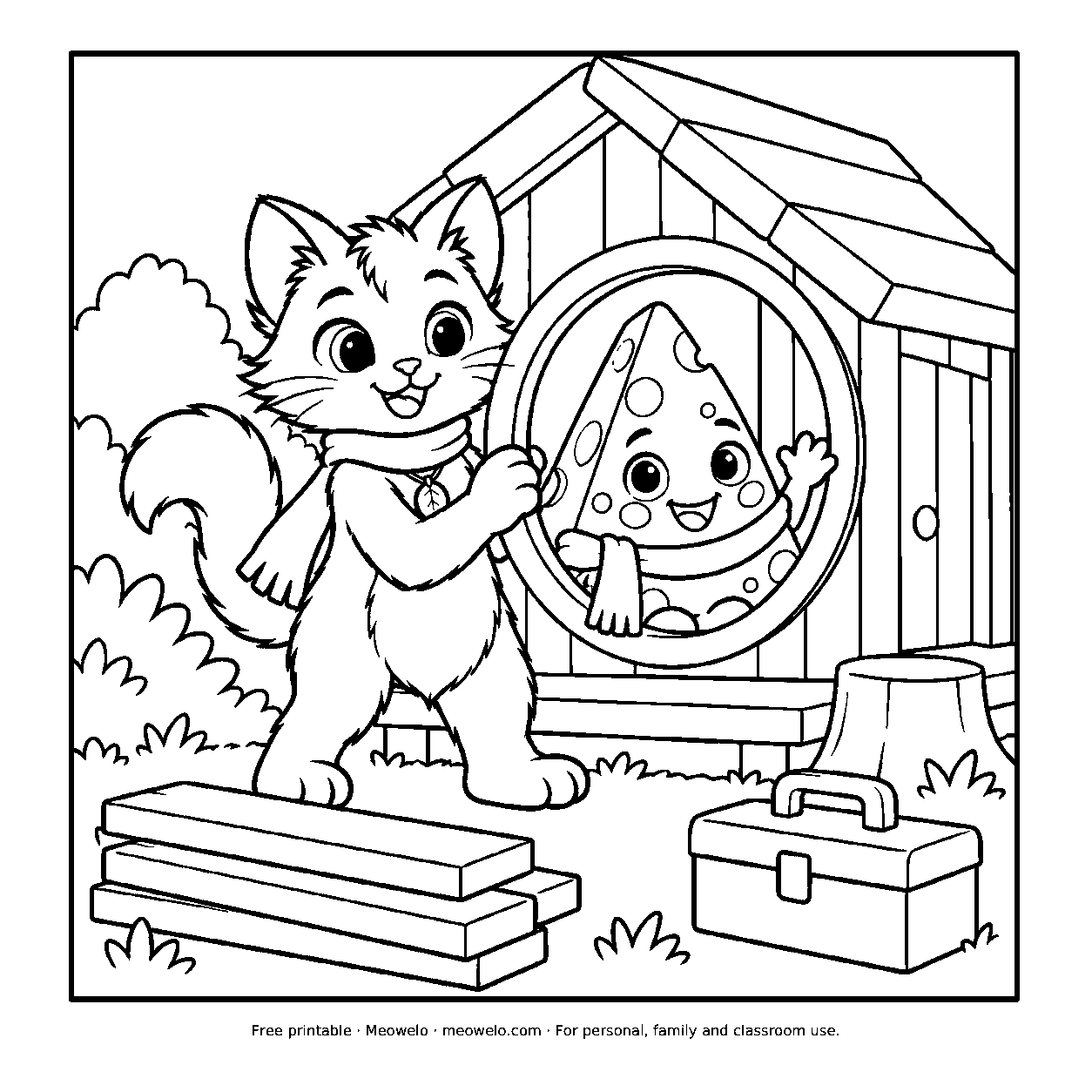
Myro and Cheddo Build a Home
A round window turns house-building into a small game for Myro and Cheddo.
Print it freeQuestions parents ask
Is an ink-tank printer worth it for printing coloring pages?
What's the cheapest printer to run for coloring pages?
Can a laser printer print coloring pages?
Why does my inkjet print faint lines after a break?
What is page yield?
The one thing to remember
Choose the printer by how much you print, not by its price tag: occasional printing, any printer; weekly color printing, an ink tank; lots of black-and-white pages, a black-only laser. Then print the pages your family actually wants, without counting every copy.



Conversation
Join the conversation
Tips, questions and stories from other grown-ups. A person reads every comment before it goes live.
No comments yet. What has worked at your house? Your story might be exactly what another parent needs tonight.